
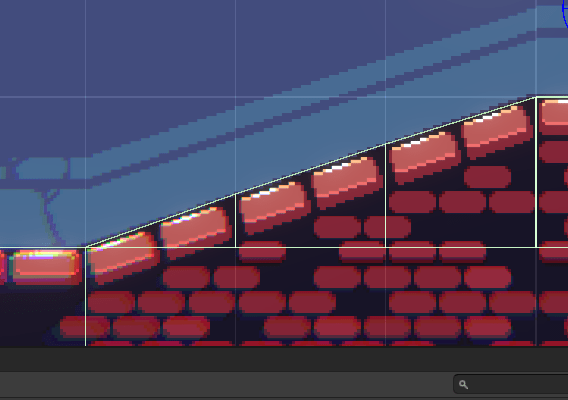
What needed fixing?
Technically, the name isn’t completely correct. Physics work fine for tilemaps. The issue I was having was with sets that included backgrounds.
If you’ve used these, then you know you have to set a custom physics shape for it to properly collide with your player. Otherwise, you’re just standing on everything.
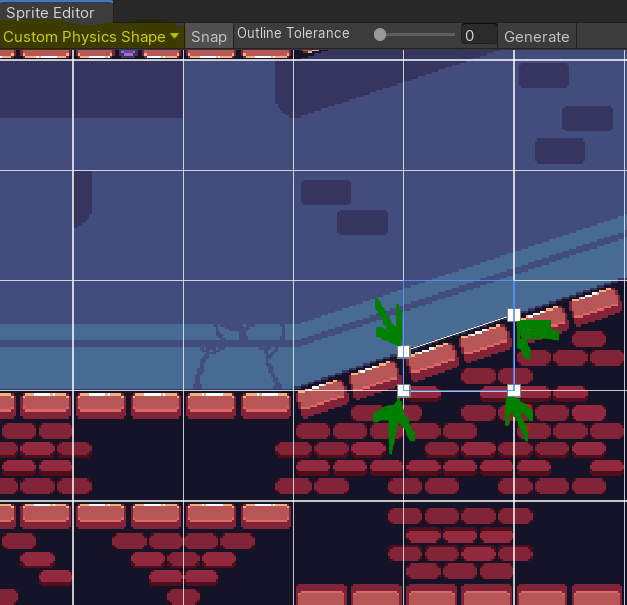
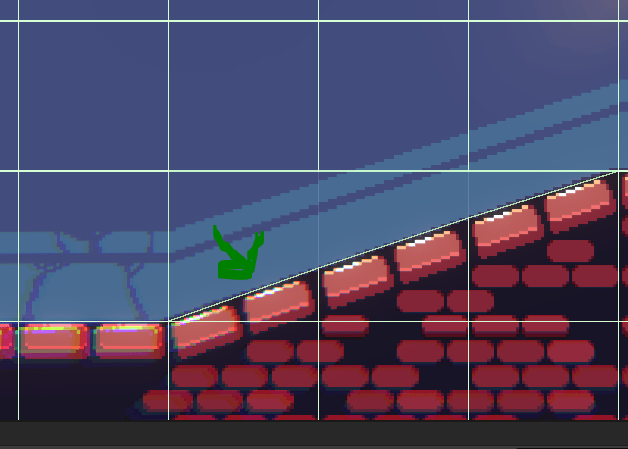
Great! It should work now, right?
Well, chances are that you’re using only 1 tilemap layer since everything is on 1 sheet. Just easier to build the level this way without opening up the sprite sheets and trying to edit every tile yourself. You’ll quickly notice that any tile without a custom shape is now a full block of collider and stopping you from testing your game.
The cool thing with Unity is you can actually go to the folder that is holding your sprite and tile data and change how it interacts with physics.
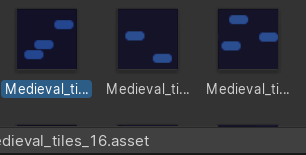
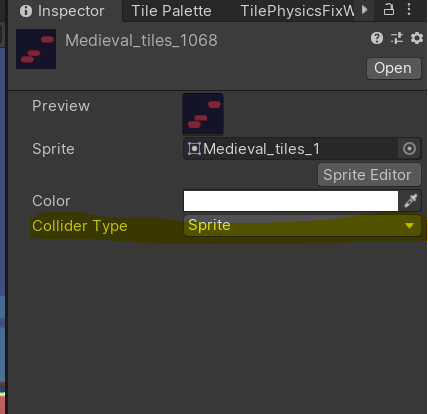
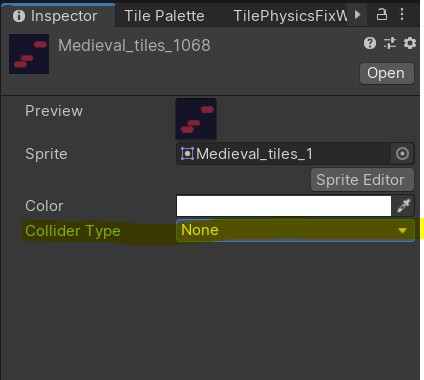
This is fine for 1 or 2 tiles, but for 100s where you just spent the time setting physics shapes for half of them….well that’s a lot of wasted time.
Something that you might not know is that Unity can differentiate between having a custom physics shape and not having one. Using a simple loop, we can now grab all the tile data and split them into 2 groups. Sprite colliders and no colliders.
TilePhysicsFix does exactly this and will automatically set your collider type based on this data.
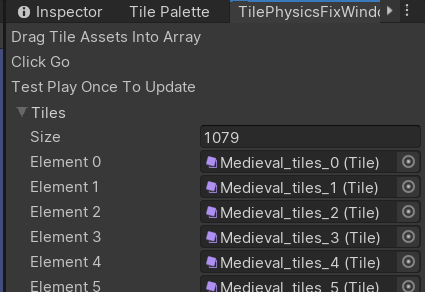
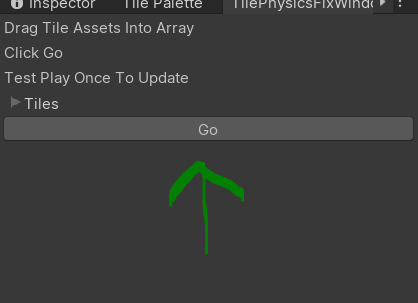
Now your tiles should work with a collider and physics perfectly.

This of course is not a perfect solution. Requires tinkering and is only really helpful if you have more background tiles than ground.
Still, it was a fun dive into 2D and helped me push forward into my 2D project at the time.
If you want the script for yourself, you can find it here or copy and paste below-
using UnityEngine;
using UnityEditor;
using UnityEngine.Tilemaps;

public class TilePhysicsFix : MonoBehaviour
{
    public static void FixPhysics(Tile[] tiles)
    {
        for (int i = 0; i < tiles.Length; i++)
        {
            int PhysicsShape = tiles[i].sprite.GetPhysicsShapeCount();
            if (PhysicsShape == 0)
            {
                tiles[i].colliderType = Tile.ColliderType.None;
            }
			else if (PhysicsShape >= 1)
            {
                tiles[i].colliderType = Tile.ColliderType.Sprite;
            }
        }
    }
}

public class TilePhysicsFixWindow : EditorWindow
{
    public Tile[] tiles;

    [MenuItem("Window/Tile Physics Fix")]
    public static void ShowWindow()
    {
        EditorWindow.GetWindow(typeof(TilePhysicsFixWindow));
    }
    void OnGUI()
    {
        EditorGUILayout.LabelField("Drag Tile Assets Into Array");
        EditorGUILayout.LabelField("Click Go");
        EditorGUILayout.LabelField("Test Play Once To Update");
        ScriptableObject scriptableObj = this;
        SerializedObject serialObj = new SerializedObject(scriptableObj);
        SerializedProperty serialProp = serialObj.FindProperty("tiles");
        EditorGUILayout.PropertyField(serialProp, true);
        serialObj.ApplyModifiedProperties();
        if (GUILayout.Button("Go"))
        {
            TilePhysicsFix.FixPhysics(tiles);
        }
    }
} Pixelit-Dev